0:000:10
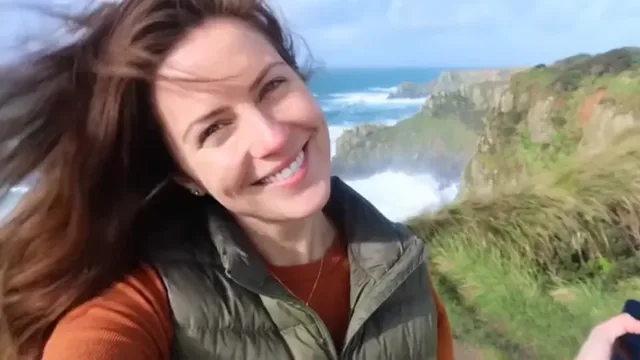
Strong wind on a cliff
Heavy gusts hitting the phone microphone by the ocean.
Rescue outdoor videos ruined by wind. Keep the original picture quality. Free 30-second preview, no sign-up needed.
You can remove wind noise from a video after you've filmed it.
Drop your clip in and QuietCore AI removes the rumble and buffeting of wind while keeping your voice — no re-shoot needed. Your video stays on your device and comes back with the same picture quality.
Heavy gusts hitting the phone microphone by the ocean.
Wind is loud on video because air hits the tiny microphone opening and makes it rumble.
It isn't really the sound of the wind you're hearing. That's why a light breeze you barely notice can sound like a storm in the recording — and why it's mostly low, booming noise that covers your voice.
A windscreen helps a lot, but phones and action cameras rarely have one.
DPA Microphones, a Danish maker of professional microphones, reports that windscreens can reduce wind noise by up to 20–30 dB. Microphone design matters too: microphone maker Schoeps notes that directional microphones can be up to 20 dB more sensitive to wind than omnidirectional ones. Without that protection, the rumble goes straight into your recording — which is where removing it afterwards helps.
Wind and rain generate noise in microphones.
You can remove wind noise from a video in three steps, without re-shooting it.
It can rescue most outdoor footage where someone is speaking, from phone vlogs to GoPro clips.
Beaches, mountains, city walks and boat rides.
Biking, hiking and other on-the-move footage.
Street interviews and event coverage on windy days.
Anything recorded outside without a windscreen.
Wind removal works well when you can still hear the words under the wind. If gusts completely cover the voice for a moment, those words can't be rebuilt — but the rest of the clip will still sound much cleaner. Check the free preview to see how your clip comes out.
The easiest way to avoid wind noise is to shield the microphone from the wind.
Drop your video into the tool above, listen to the free preview, then sign in and download the full video with clean audio.
Yes. Open this page in Safari, choose the video from Photos, and download the clean MP4 back to your phone.
Yes, as long as there's speech to keep. GoPro MP4 files are supported. Drone propeller noise can be reduced, but footage without any voice isn't what this tool is made for.
The AI is designed to keep your voice. Words fully covered by a gust can't be recovered, but the rest stays natural.
No. The picture is copied as-is; only the audio is replaced.
Yes. MP3, WAV, M4A, AAC, FLAC and OGG all work.
The 30-second preview is free with no sign-up. New accounts get 1 free minute for a full download.
Drop your outdoor video in and hear the difference.